
Makerspaces
Visit one of our collaborative spaces to access free services, technology, and equipment. Visit a Makerspace library location page to discover what each has to offer:
- Burnhamthorpe Library
- Courtneypark Library
- Hazel McCallion Central Library
- Malton Library
- Meadowvale Library
Note that branch library makerspaces are closed on Sundays. Hazel McCallion Central Library and its Makerspace remains open on Sundays.
Some Makerspace equipment requires a library card to access. Library cards are available at no cost for Mississauga residents. Find out how to get a library card.
Children 12 and under must be accompanied by a parent or caregiver (age 18+) in the Makerspace.
For more information regarding the use of the Makerspaces, please view the Makerspace Guidelines.
Mississauga Library offers 3D printing services using Ultimaker S3 machines and Cura software.
Customers will need to have a library card and sign a waiver to use this service. Learn more about how to get a library card.
Attend a 3D Printer Introduction program or watch the 3D Printer Introduction video tutorial to help you get started. Additionally, there is a 3D Design with TinkerCAD program that introduces simple model creation and design.
Locations:
3D printers are available at:
- Burnhamthorpe Library
- Courtneypark Library
- Erin Meadows Library
- Frank McKechnie Library
- Hazel McCallion Central Library
- Lakeview Library
- Lorne Park Library
- Malton Library
- Meadowvale Library
- Sheridan Library
- South Common Pop Up Library
Fees:
There is a $2.00 set-up fee plus $0.12 per gram (PLA) and $0.23 per gram (PVA supports) (excluding HST). Payments can be made upon pick-up.
Submitting a Print Job:
For 3D print inquiries, call, email or visit one of the 3D printing locations, or email maker@mississauga.ca and include the following information:
- Your name
- Library card number (if you do not have one, register for a virtual card)
- Pick up location (see 3D printer locations above)
- Attach your print file (.3mf, .obj, or .stl format)
- Preferred Colour (Black, Blue, Green, Magenta, Orange, Red, Silver, White, Yellow)
- Any relevant specifications (supports needed, PLA vs. PVA, layer height, infill, size, etc.)*
- For first time users of the 3D printer:
- Please include a filled out waiver
- Confirm you have watched the 3D Printer Introduction video tutorial
* Note that the Ultimaker S3 has a maximum build volume of 9 x 7.4 x 7.9 inches (230 x 190 x 200 millimeters). The library accepts print jobs up to 8 hours long using PLA and PVA filament.
All 3D print requests are submitted into a queue, which may affect time of completion. Staff from your pick-up location will provide you with an estimated price and timeline for your project. We cannot accommodate same day or rush requests.
Create a pin button using 1.5 inches or 2.25 inches button makers. Watch the Button Maker video tutorial for more information.
Button makers are available at all makerspace locations. Please contact a makerspace location for more information.
Fees:
Buttons are $0.50 each (excluding HST), regardless of button size. Purchase includes: shell, clear Mylar sheet, and pinback.
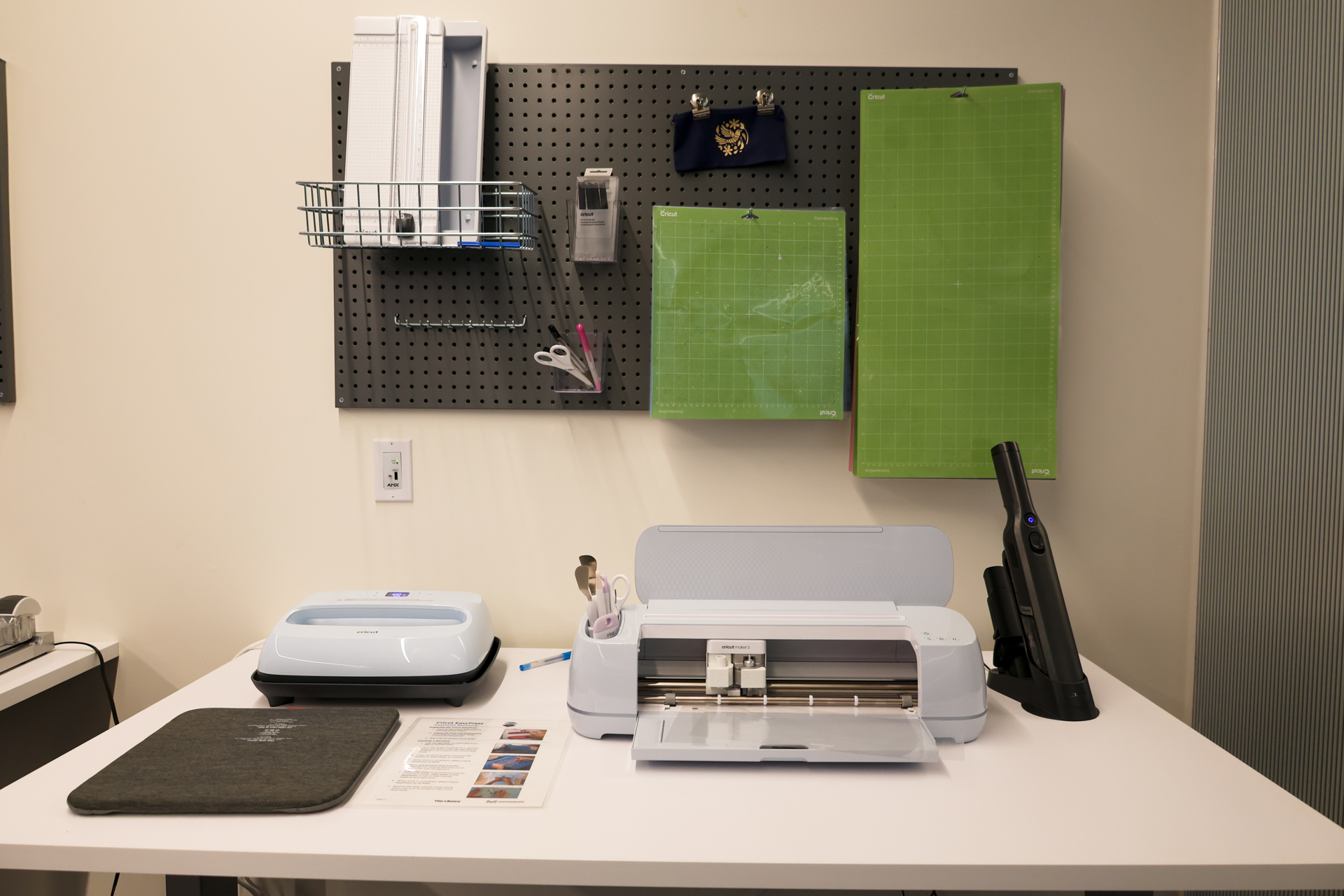
A Cricut is a digital die-cutting machine that can cut many different materials, such as paper, vinyl, and fabric. Create greeting cards, decorations, single colour vinyl decals, iron-on vinyl decals for fabrics, and more.
Attend a Cricut program or watch the Cricut Maker 3 video tutorial to help you get started.
The Cricut machines are available for drop-in use:
- Cricut Joy (Available at Courtneypark Library)
- Cricut Maker 3 (Available at all Makerspace locations)
Cricut materials are available for purchase in 12 inches x 12 inches sheets. Colour selection is limited:
- Cricut Sheets Regular – $1.00 (excluding HST)
- Includes: Cardstock, Transfer Tape
- Cricut Sheets Intermediate – $3.00 (excluding HST)
- Includes: Cricut Permanent Vinyl, Cricut Removable Vinyl
- Cricut Sheets Premium – $6.00 (excluding HST)
- Includes: Cricut Iron-On Vinyl, Cricut Smart Iron-on Vinyl, Cricut Smart Permanent Vinyl, Cricut Smart Removable Vinyl
If you are bringing in your own material, please verify compatibility with the equipment prior to use.
Create designs, logos, and text using the Brother Persona PRS100 Embroidery Machine. It is a single needle embroidery machine with a free arm that makes it easy to embroider shirts, sleeves, and bags. The machine features some built-in designs and monograms, but it can also accept custom ones through a USB drive.
Customers will need to have a library card and sign a waiver to use this service. Learn more about how to get a library card. The service is available by booking an appointment through maker@mississauga.ca.
The machine is located at Hazel McCallion Central Library.
Fees:
- Thread per 5000 stitches, with 12 inch x 12 inch stabilizer included – $2.50 (excluding HST).
Accepted file types:
- .PES (recommended), .PHC, .DST
Maximum embroidery area:
- 8 inches x 8 inches (20.3 centimeters x 20.3 centimeters)
Embroidery thread is supplied in a variety of colours. Customers must bring their own fabric for embroidery machine projects. Thick, non-stretch fabrics are recommended, such as cotton, denim, and canvas. Please bring extra material for testing and prototyping.
Heat presses can be used to transfer any iron-on vinyl (HTV) graphics onto fabric. Please verify fabric specifications before operating heat press machines.
Heat presses are available at:
- Burnhamthorpe Library
- Cricut EasyPress 2
- Courtneypark Library
- Cricut EasyPress 3
- Hazel McCallion Central Library
- Cricut EasyPress 3
- Stahls Hotronix Auto Clam Heat Press
- Malton Library
- Cricut EasyPress 2
- Shenzhen Hugang Light Industry Press
- Meadowvale Library
- Cricut EasyPress 3
Please contact a makerspace location for procedures to book time to use the heat presses.
Fees:
- Heat presses are operated at no charge.
The Fellowes Venus 125 laminator allows self-serve laminating. This machine can laminate items up to 12.5 inches wide and works with hot and cold laminating sheets up to 10 mil.
The machine is located at Hazel McCallion Central Library.
Lamination sheets are available for purchase:
- 8.5 inches x 11 inches, 3 mil thermal laminating sheet – $0.50 (excluding HST).
The Epilog Fusion Edge 24 laser cutter is used for engraving and cutting wood and operates at 60 watts.
Customers will need to have a library card and sign a waiver to use this service. Learn more about how to get a library card.
To get started using the laser cutter, please attend a Laser Cutter Introduction program for certification. After receiving certification, please email maker@mississauga.ca to book an appointment to use the machine with Makerspace staff.
The machine is located at Hazel McCallion Central Library.
Fees:
Production Fee: $2.50 (excluding HST) for every 15 minutes of laser use time.
Accepted file types:
- Engraving-only projects: .PDF, .PNG and .JPG.
- Cutting projects: .PDF, .CDR (2021 or older), .AI, .DXF, .SVG or .EPS.
Maximum Material Dimensions:
- 24 inches x 24 inches.
- The machine cannot cut material thicker than 10mm.
3mm thick birch plywood sheets are available for purchase:
- 12 inches x 24 inches sheet – $6.00 (excluding HST).
If you are bringing in your own wood material, please provide a receipt or tag that states the item’s composition. Please bring extra material for testing and prototyping. Depending on the material and design, more than one appointment may be needed to complete a project.
Material will be accepted at the discretion of Makerspace staff.
The Photo and Video Studio at Hazel McCallion Central Library offers a range of equipment for borrowing, including mirrorless cameras, ring lights, a lightbox, various background screens and more. This room is ideal for capturing, filming and editing your projects. Software such as Adobe Photoshop, Premiere Pro, After Effects, and more are available on an iMac within the studio.
To reserve the Photo and Video Studio for 1-6 people, please visit Active Mississauga. A library card is required to borrow cameras, microphones, and accessories. Learn more about how to get a library card.
Bring an SD card for each camera that you’ll be using. Please note, all equipment must be used within the studio.
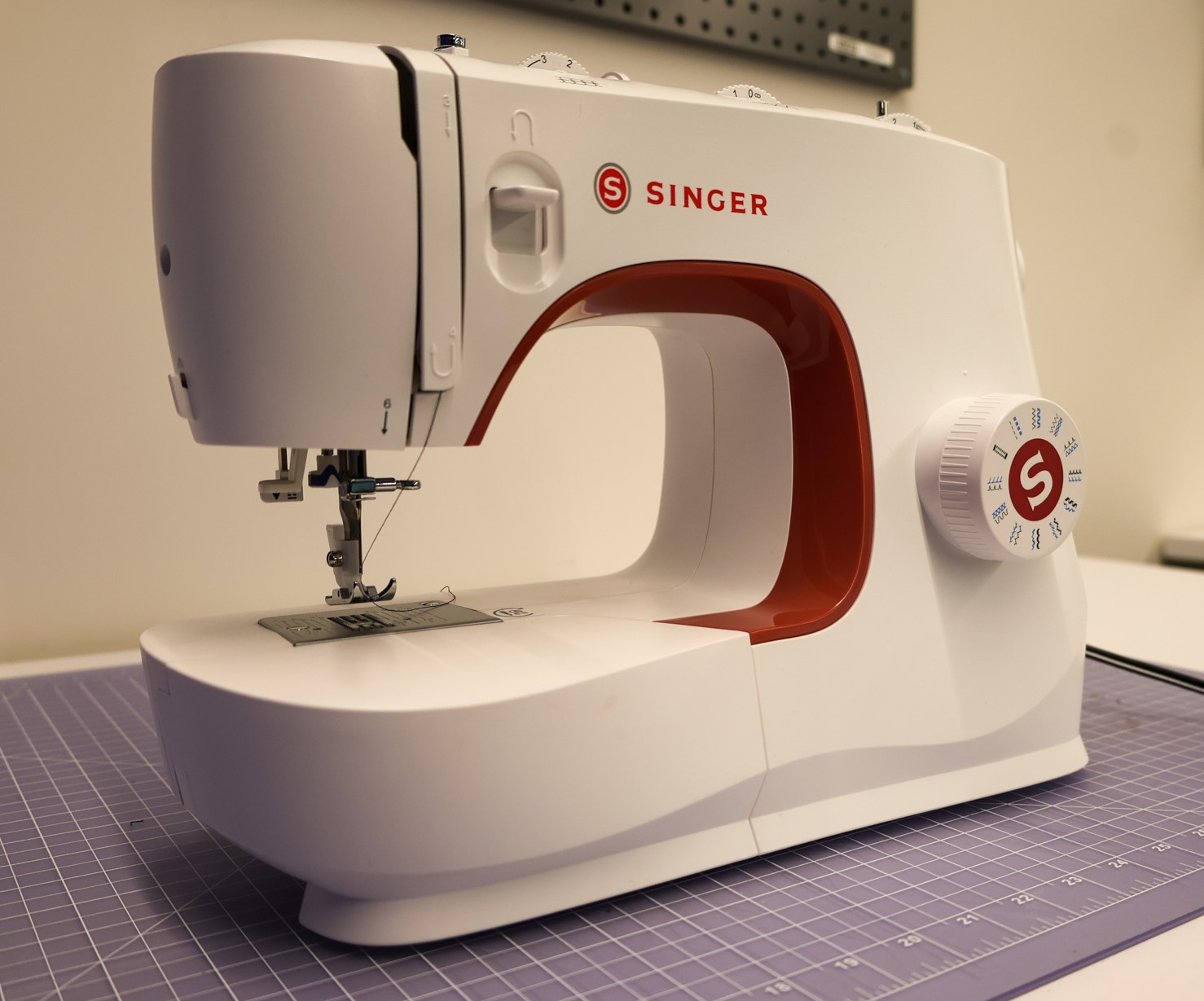
Makerspace locations have sewing machines for you to create, alter, or modify your projects. Please bring your own fabric to sew.
All Makerspace locations offer Singer Heavy Duty sewing machines. Hazel McCallion Central Library also has a Janome Pro4DX Serger for more sewing and crafting options.
Attend a Sewing Machine Introduction program or drop into any Makerspace location to explore our sewing machines.
There are several software options for various creating opportunities available on iMacs and PCs in our Makerspaces.
Some available software includes:
- 3D Design software (Blender, FreeCAD, OpenSCAD, and more)
- Adobe Creative Cloud (full software package)
- Animation (Adobe Animate, Adobe Character Animator, Cinema4D, and more)
- Digital Editing and Design (Adobe Illustrator, Adobe Photoshop, Inkscape, and more)
- Recording Software (Adobe Audition, Audacity, Logic Pro, and more)
- Video Editing (Adobe After Effects, Adobe Premiere Pro, iMovie and more)
- Web Design (Adobe Dreamweaver, Adobe XD, Python IDLE, and more)
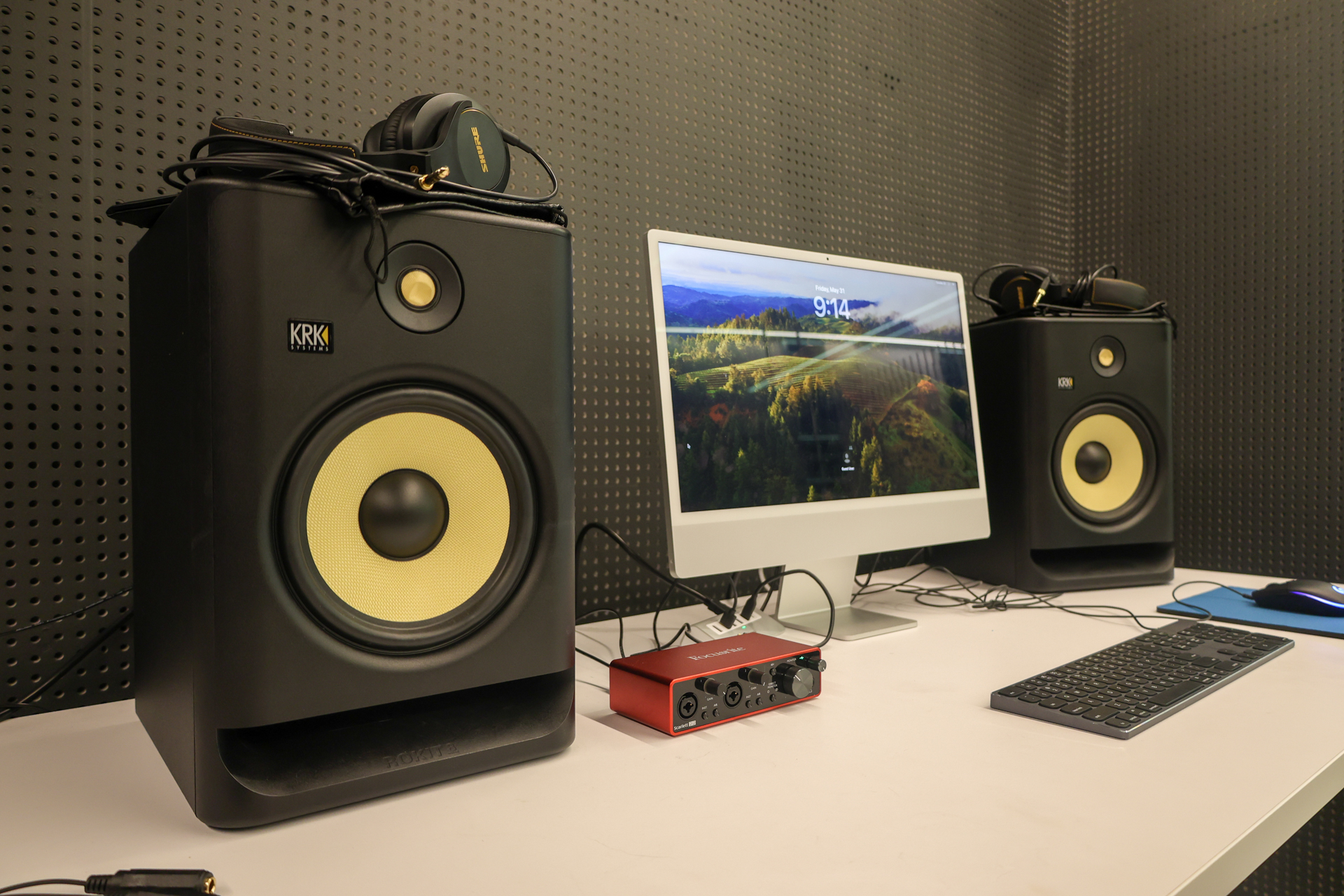
Sound booths are equipped with iMacs, high end microphones, audio interface, speakers, and approachable recording software such as Adobe Audition, Logic Pro, and GarageBand. The space is available for 1-2 people. Watch the Recording Studio video tutorial to help you get started.
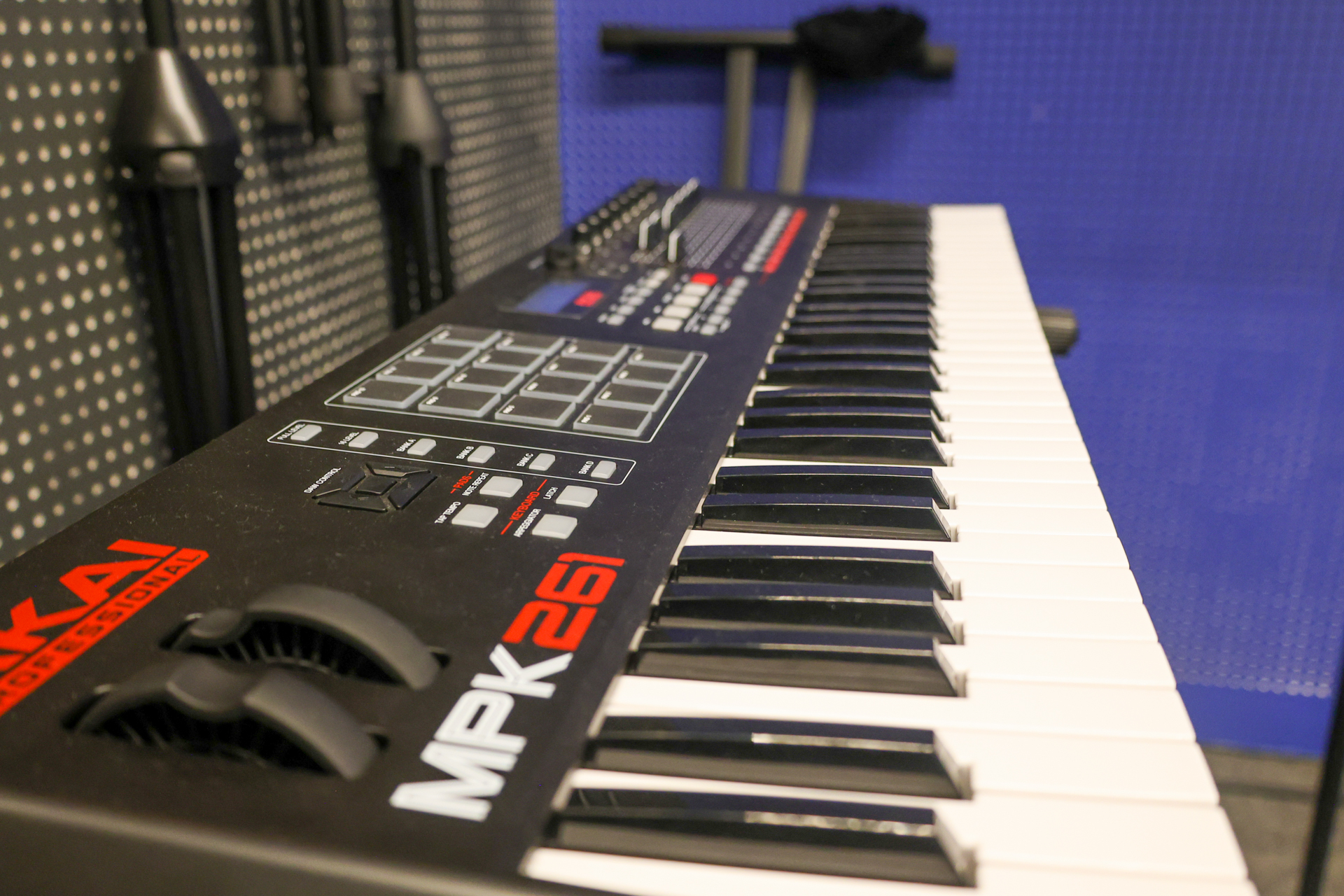
MIDI controller keyboards are available at Courtneypark Library and Malton Library.
Visit Active Mississauga to book a Sound Booth at Hazel McCallion Central Library. To book a Sound Booth at Courtneypark Library and Malton Library, contact the library directly.
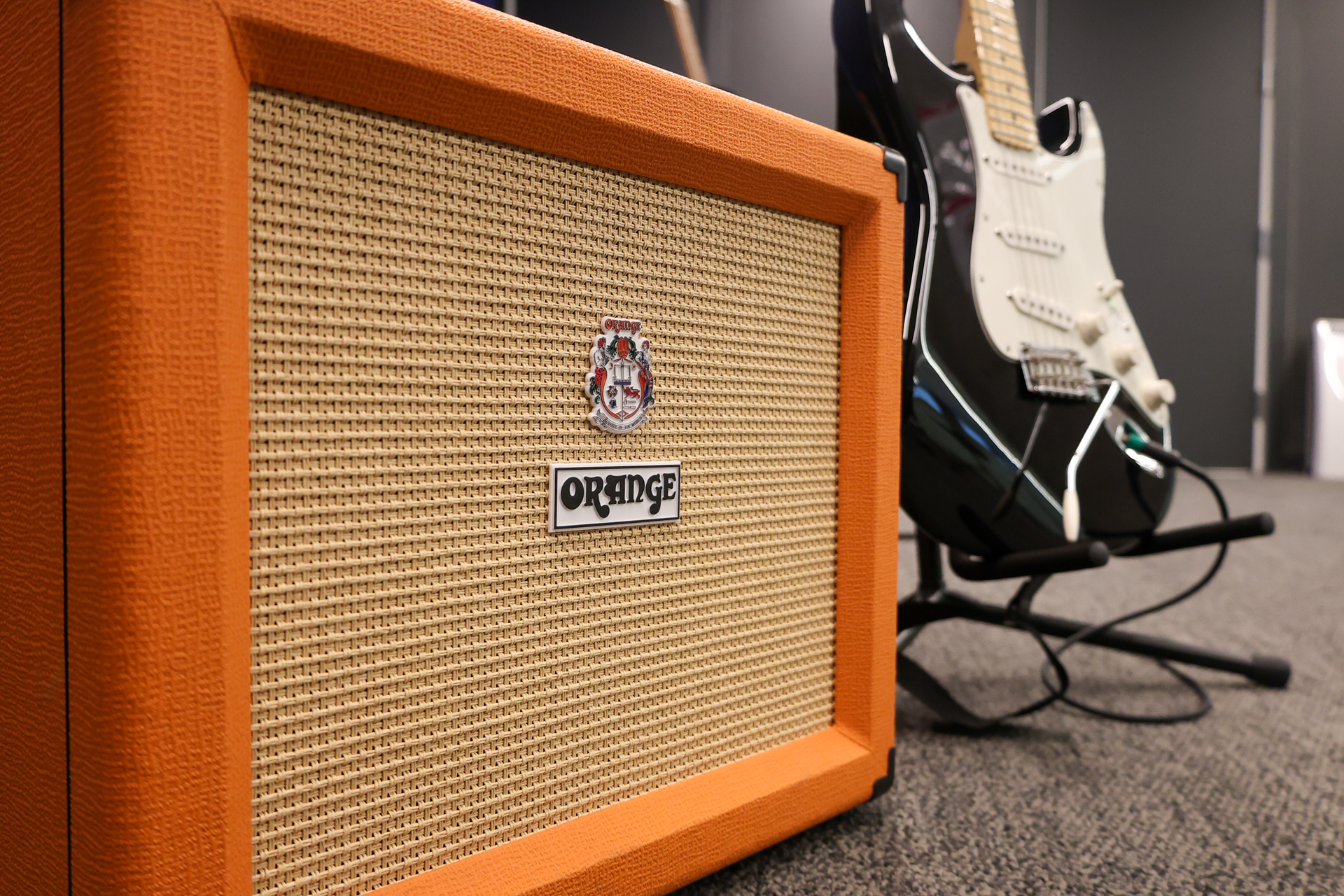
The Hazel McCallion Central Library Sound Studio has a collection of musical instruments to use such as electronic and acoustic guitars, an electronic drum kit, MIDI controller keyboard, and ukulele. There are a variety of microphones to record your music, along with approachable audio editing software such as Adobe Audition, Logic Pro, GarageBand, and more, available on an iMac within the studio. Watch the Recording Studio video tutorial to help you get started.
To reserve the Sound Studio for 1-6 people, please visit Active Mississauga.
Create custom stickers, decals, t-shirt transfers, signs, and more using the Roland VersaStudio BN-20A, a machine that allows customers to print and cut material all on one device. The Roland CAMM-1 GR2-640 Vinyl Cutter is a large format vinyl cutter.
Customers will need to have a library card and sign a waiver to use this service. Learn more about how to get a library card.
To get started using the machines, attend a Vinyl Printer/Cutter Introduction program for certification. After receiving certification, please email maker@mississauga.ca to book an appointment to use the machine with Makerspace staff.
These machines are located at the Hazel McCallion Central Library.
Accepted File Types:
- .PDF (preferred), .EPS, .JPEG, PostScript, TIFF
Material Dimensions:
- Roland VersaStudio BN-20A Vinyl Printer/Cutter: 18.5 inches of printable width
- Roland CAMM-1 GR2-640 Vinyl Cutter: available in 24 inch black or 48 inch white calendered vinyl
Material is available for purchase per linear foot (12 inches):
- Roland CAMM-1 GR2-640:
- Vinyl Economy – $1.50 (excluding HST)
- Roland VersaStudio BN-20A:
- Vinyl Intermediate – $3.00 (excluding HST)
- Includes: WallFlair Removable, Solvent Glossy Paper Adhesive, Matte, Glossy and Clear Calendered, White Static Cling
- Vinyl Premium – $6.00 (excluding HST)
- Includes: Satin Canvas, Heat Transfer Iron-on Vinyl (includes heat transfer mask)
- Vinyl Intermediate – $3.00 (excluding HST)
Depending on the material and design, more than one appointment may be needed to complete a project.
Gallery
Contact
If you have questions about any Makerspace equipment, services or programs, call any library location or email maker@mississauga.ca.